Truckzly Field
The driver's side of Truckzly
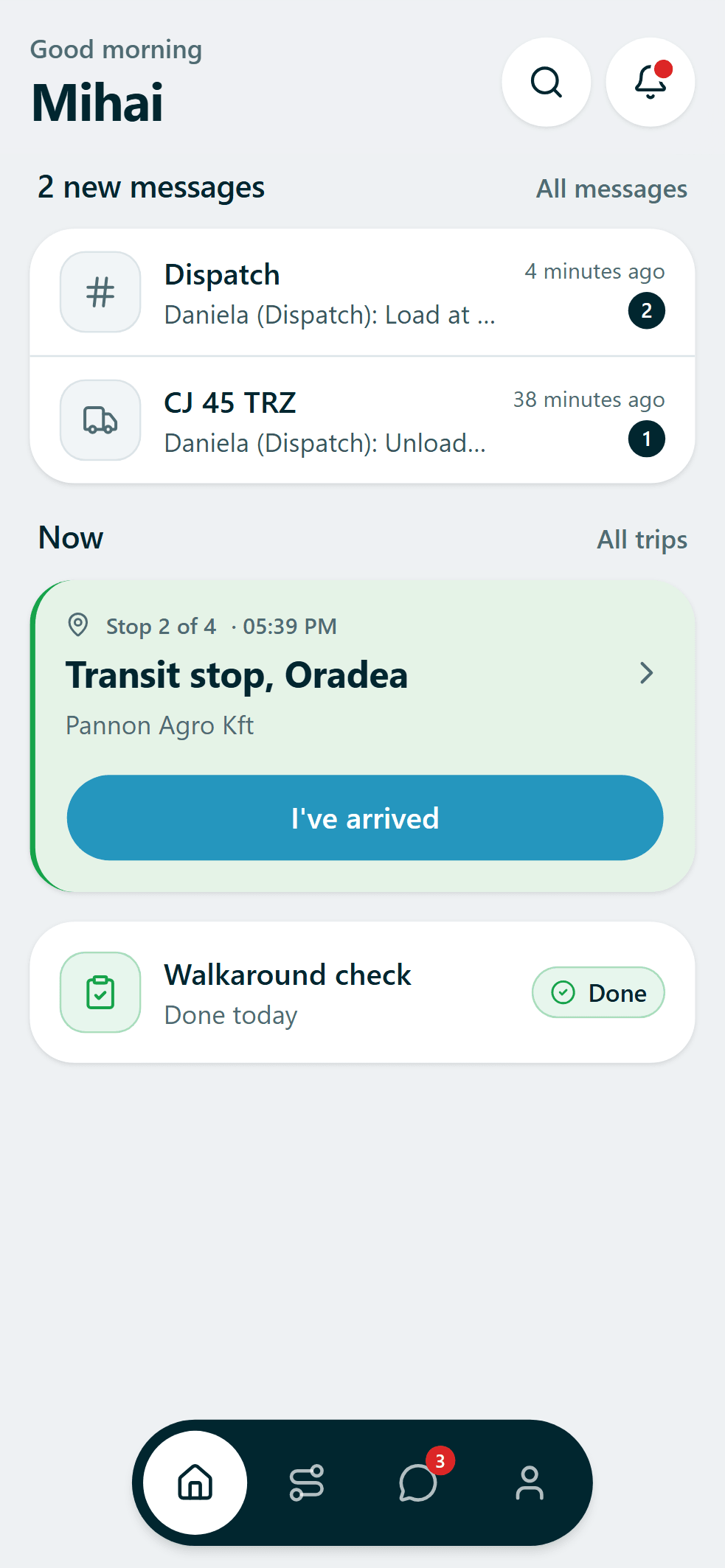
Drivers get their own app. It shows today's trip, the checks it needs and a way to message the office. It is a separate app because a dispatch board does not work in a cab.
How it works
- 1
Get the trip
It appears as soon as dispatch assigns it.
- 2
Do the checks
A walkaround on the phone, with photos if something is wrong.
- 3
Send the paperwork
Photograph the CMR at the drop. It is filed with the trip.
Quick enough for a short break
A driver has a delivery window to hit. Anything in the app has to take seconds.
Today's trip
Stops, times and paperwork for the job in front of the driver.
Checks and defects
Do the walkaround on the phone. Defects go straight to the office.
Documents from the cab
Photograph a CMR or a receipt and it is filed against the trip.
Messages about the load
Each message sits with the load it is about, not in a group chat.
Put tomorrow's loads in. See your day on one screen.
Free for your whole company. No card. Add devices later, only if you want them.
Want to ask something first? contact@truckzly.com